
Yates County VINELink Coverage
Yates County participates in New York VINE. The Sheriff’s inmate data carries the New York VINE site identifier and the Yates agency identifier. The county’s official Related Links page also sends users to VINE search and registration. It lists the statewide telephone line at 888-846-3469. VINELink is the web side of that service. It supports a check on one person in participating custody and notices tied to that record.
The Sheriff’s incarcerated-individual search is still the direct source for current or recent Yates County Jail custody. VINELink adds alerts and may cover a later state-corrections placement. Neither is a full history of all arrests. A cited person, a person released fast, or a protected record may not appear the same way. An arrest records an accusation, not guilt. Charges can change or be dismissed; the court disposition gives the final result.
The county VINE resource page shows the official local connection.
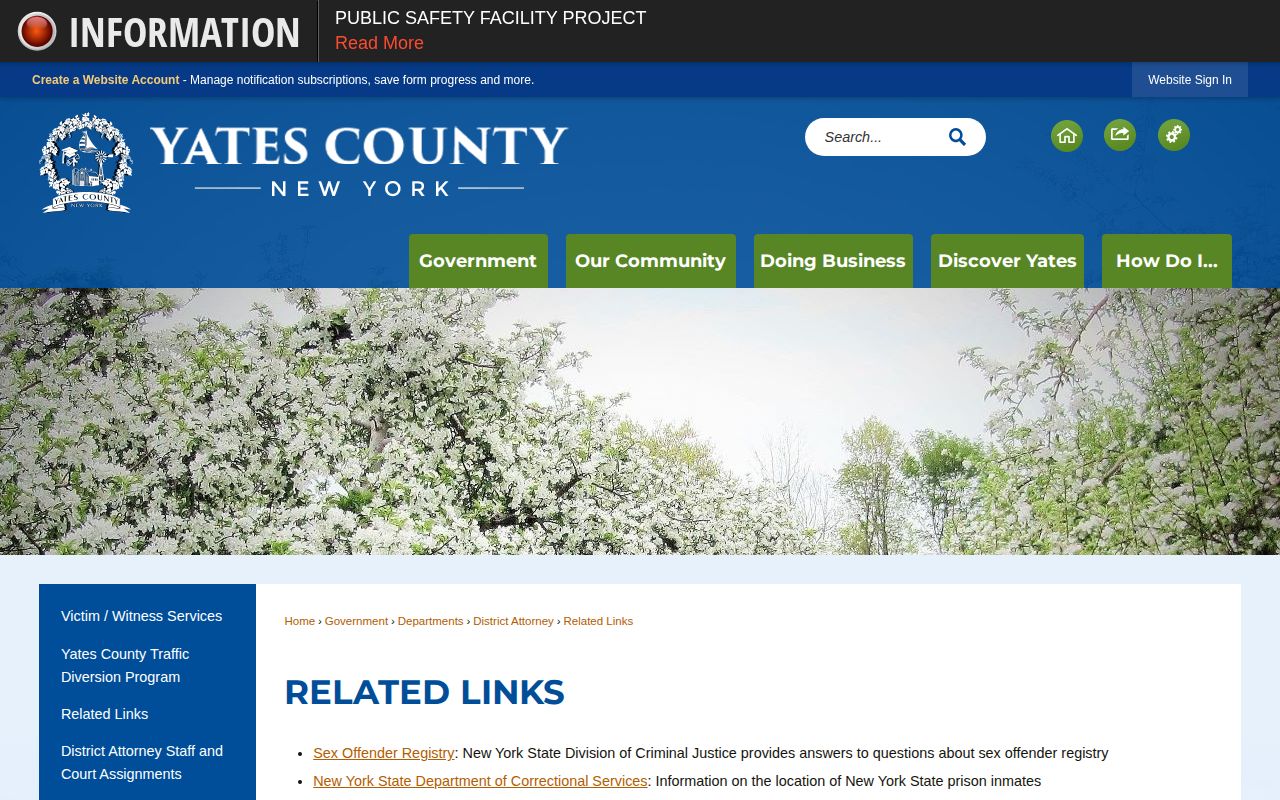
This source-navigation capture is not a list of people or booking photographs.
Check a Yates Arrest
Start with enough detail to separate people who share a name. A full name works best. New York VINE allows a partial name too. At least two letters of the last name are required. An offender or inmate ID can narrow things further. The ID on the Yates roster helps, but the first search works without it.
- Open VINELink New York and confirm New York is selected.
- Choose the offender search and enter the name or known ID.
- Complete the CAPTCHA and review all matches.
- Compare available identifiers before opening Record Details.
- Check the reported custody state and facility against the official Yates roster when the arrest is new.
A blank result does not rule out an arrest. Intake may still be underway. The person may already be released, or the record may sit in another county. For a booking that may have happened today, Yates County Arrests Last 24 Hours gives a same-day verification path. Want prompt confirmation? Call the jail at 315-536-5175. The New York VINELink search screen handles the name and ID lookup itself.

The search screen keeps the focus on custody status and never rehosts a booking photo.
What Yates VINELink Shows
Record Details can carry the facts that make an alert useful. Exact fields vary by agency and record. Read each item as a custody field alone.
| Field | How to read it |
|---|---|
| Name or identity | Use details to distinguish people with similar names. |
| Custody status | The status reported by the participating agency, subject to lag. |
| Facility | The reported jail or correctional location; confirm a transfer there. |
| Offender or inmate ID | A precise key for later searches and registration. |
| Notification option | Appears when the record is eligible for alerts. |
VINELink is not a booking-photo source. Nor is it a court archive. The Yates roster shows missing-image placeholders. That is where a booking photo would sit. New York law makes releasing arrest photographs a privacy-sensitive agency decision. For the arrest record and its official-source sequence, use the Yates County recent arrests hub. A court clerk or Certificate of Disposition answers case-result questions.
Note: In custody, released, and transferred describe status or location; none decides guilt.
Register for Yates Custody Alerts
Registration starts from a matching, eligible custody record. Email, text, telephone, and TTY all work. You can stack more than one method. New York VINE also assigns a four-digit PIN for managing and verifying notices, so store it somewhere safe and double-check every contact detail before finishing.
- Open the correct person’s Record Details and choose Get Notified.
- Select email, text, telephone, or TTY and enter the contact information.
- Add another method if a second channel would help.
- Create and confirm the four-digit PIN.
- Review the record and contact details, then complete registration.
- Keep the jail number because an alert is not a promise of instant notice.
Only people currently in custody qualify for notices under state guidance. The alerts concern release, transfer, or another custody event. A notice never carries a mugshot. Follow any notice's official instructions, and confirm urgent facts with the holding agency itself.
Yates Alert Timing and Retention
New York VINE guidance describes a jail transaction about every 15 minutes. Real timing varies by facility. That cadence is not a promise. A new Yates booking, release, or transfer can lag. Note the time you searched. Try again later. If the online status conflicts with direct information, call Yates County Jail.
VINE also fades fast as a public lookup. State guidance deletes a released record about two weeks after release. So VINELink cannot settle every old-arrest question. The Sheriff's roster shifts with custody too. For an older arrest, a narrow request to the Records Division works better. The records line is 315-536-5178, and the county posts an online FOIL request form. This model explains why a fresh arrest may not be searchable yet and why someone released weeks ago may vanish, so absence is a cue to check the right source, not a firm conclusion.
Limits on Yates Custody Checks
VINELink cannot fix bad data for you. Corrections to a Yates County custody entry start at the local jail, because New York guidance routes those requests there. Call the office with the name, the status you saw, and the time you checked, which gives staff what they need to act. An arrest report follows a different path. File that request through Sheriff FOIL rather than asking VINELink to create or change a record.
Federal custody sits outside VINELink entirely. The Federal Bureau of Prisons locator covers federal inmates. ICE runs its own separate immigration locator. A Yates arrest can end in release, court, transfer, or later state-prison custody. For sentenced state custody, the New York State Department of Corrections and Community Supervision lookup is the right tool. Each system answers one question.
Community Connect Is Not VINELink
Yates County also runs Community Connect, and the official Community Connect FAQ makes its purpose plain: a valid case number is required. With one, a case page can show status, assigned staff, and contact details, plus email or SMS updates. No case number? The FAQ points users to Records. Updates may lag by up to 48 hours.
Community Connect suits someone tracking a known incident. It is not a booking roster. It cannot replace a VINELink custody check. New York's Order of Protection Alert system handles service of an order and needs court or order details, not jail bookings. Matching each tool to its purpose keeps a case update from being mistaken for a custody event. The New York Order of Protection Alert portal shows that separate channel.
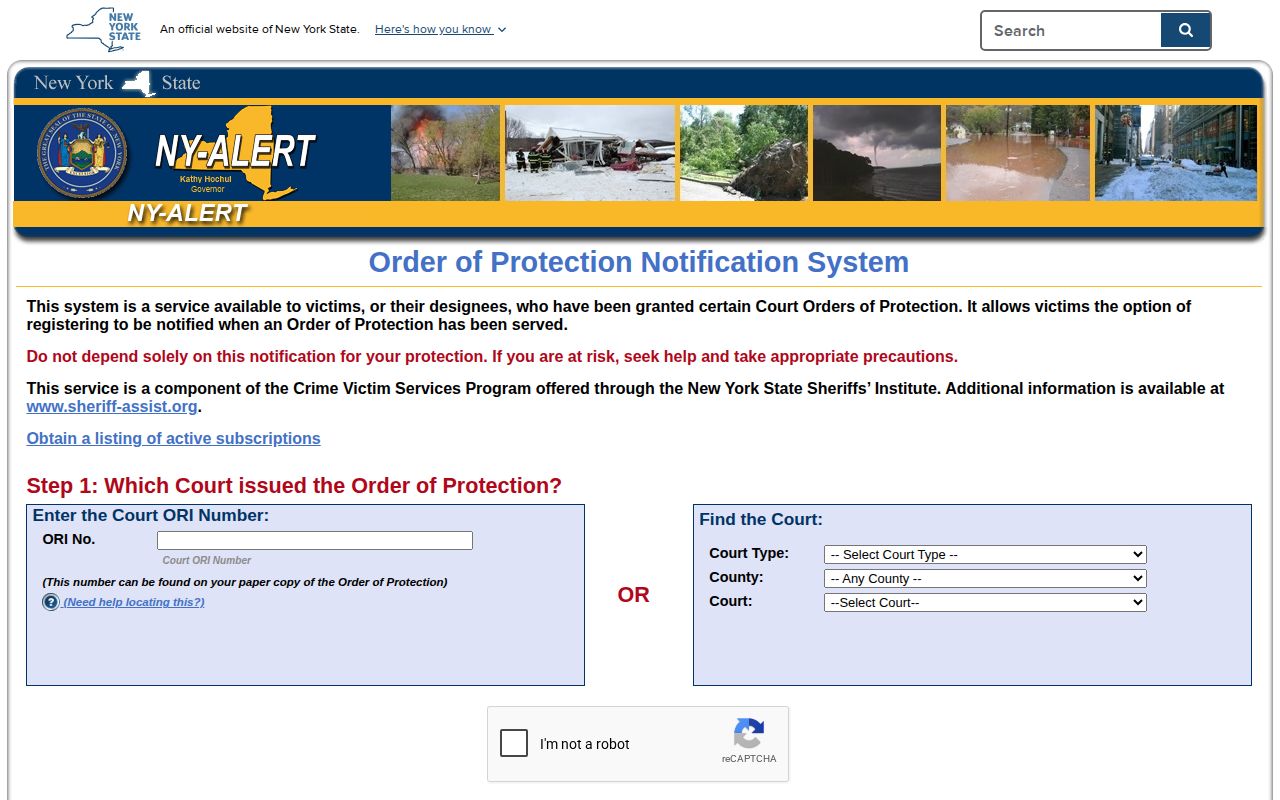
The page splits order alerts from Yates custody notices.
Yates Custody Source Roles
The Sheriff app is a third channel. It sits apart from the others. Its store listings promise inmate information, emergency alerts, news, Most Wanted notices, and tips. There is no hidden booking-photo feed. The app can point you toward official Yates County material, though a press release is still not a custody record. Social posts carry the same limit. So divide the work. VINELink handles a custody alert for a named person, the jail roster answers a direct in-custody check, Community Connect needs a case number, and the court settles the disposition. Keeping those roles straight stops an old notice from reading as a current arrest.
Search Public Records
Sponsored Results